

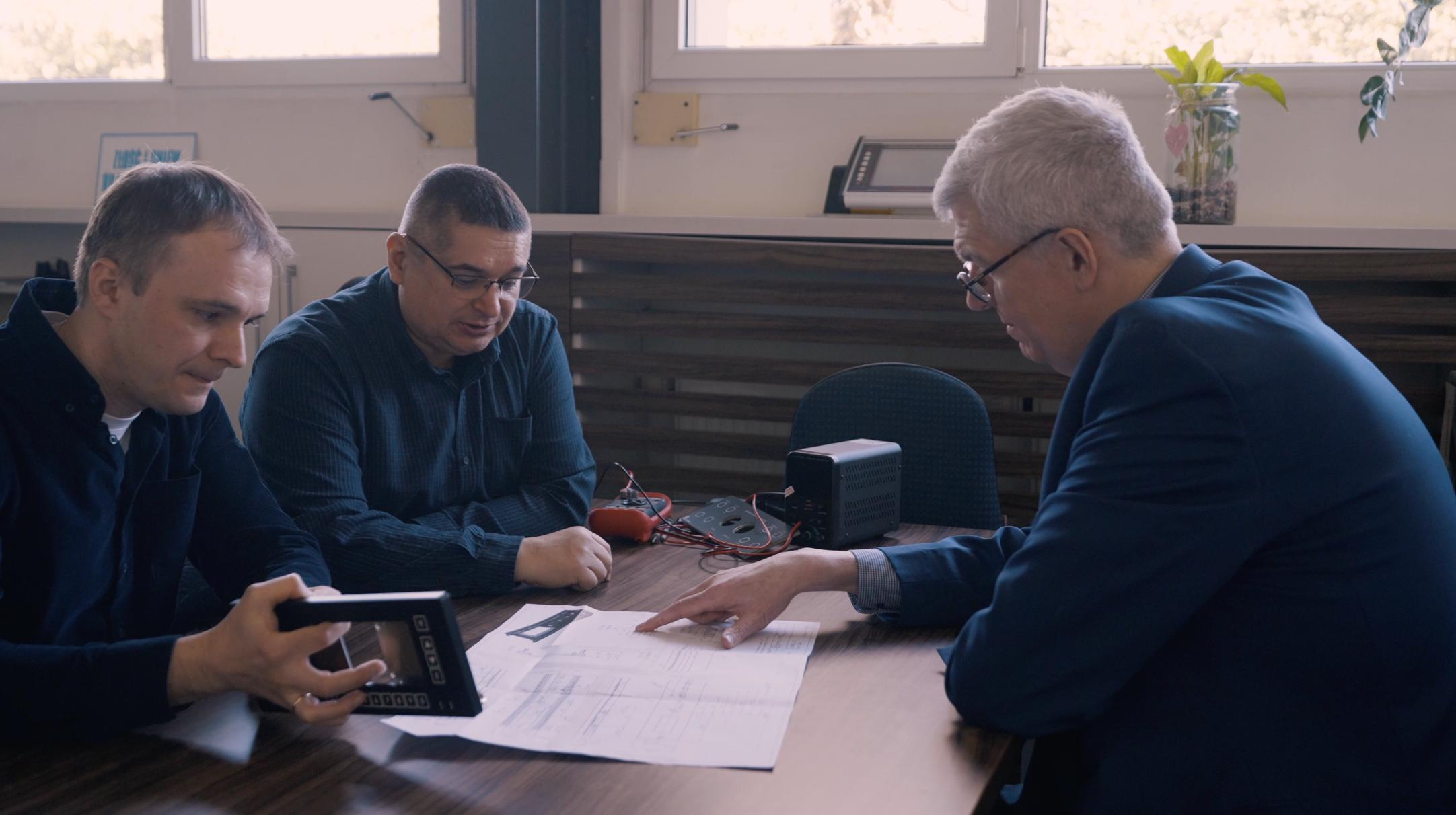
Paweł Czabak from LC Elektronik explains why the future of HMI is not about removing buttons, but about choosing how people interact with machines.
For many years, the membrane keypad has been one of the most common solutions for controlling electronic devices. We can find it in medical equipment, industrial machines, measuring instruments and many everyday products. Its job has usually been quite simple: the user presses a button, an electrical contact closes, and the device responds. Nothing particularly exciting. But it works, and in many applications that is exactly what we need.
However, the way we interact with electronic devices is changing. We expect products to be smaller, easier to clean, more attractive and more intuitive. At the same time, manufacturers want to reduce the number of mechanical components, simplify assembly and introduce new functions. These expectations are changing the traditional membrane keypad into something much more interesting: a smart surface.
But before we announce the death of the physical button, we should ask a simple question: do we really need to replace it?
A traditional membrane switch is already a relatively advanced product. Behind its printed graphic overlay, we can find several functional layers, conductive tracks, spacers and sometimes metal domes. These elements work together to create a reliable interface. The technology is well understood, and the manufacturing processes are mature. With the right design, membrane keypads can offer good resistance to environmental conditions, a long service life and predictable operation.
Their biggest advantage may also be their simplicity. A button has one job, and the user normally knows what to expect. In industrial equipment, where operators often work under pressure, this can be more important than an attractive design.
Nevertheless, the same basic manufacturing technologies that we use for traditional membrane keypads allow us to create much more complex interfaces. Screen printing, functional inks, flexible substrates and printed conductive tracks offer possibilities that were not always practical with conventional electronics.
Consider capacitive touch sensing. Instead of closing an electrical contact, the system detects a change in capacitance when a finger approaches or touches a sensor electrode. This means that a control area can be placed behind a continuous surface, without a moving switch. Depending on the design, the surface can be made from different materials, including plastic or glass.
The result can be a smooth front panel without traditional buttons. Such a solution can be attractive in medical devices, laboratory equipment or other products where cleaning is an important requirement. Of course, a smooth surface does not automatically make a product suitable for medical use. Materials, sealing, chemical resistance and the complete device design still need to be considered.
Another possibility is proximity sensing. Here, the interface can detect an approaching hand before physical contact takes place. Imagine a device that activates its backlighting only when the operator moves a hand towards the panel. The control symbols become visible when needed and remain hidden at other times. This can improve the appearance of a product and help the user understand where to interact.
But proximity sensing also introduces new engineering questions. What happens when somebody walks past the device? How do nearby objects, moisture or electromagnetic interference affect detection? How do we prevent unwanted activation? A successful demonstration is relatively easy to prepare. A reliable product that behaves correctly in different environments is a much bigger challenge.
Pressure changes the game
One of the more interesting developments is force sensing. Traditional membrane switches detect whether a contact is open or closed. Force-sensitive resistors, commonly called FSR sensors, allow us to measure changes in applied pressure.
A typical printed FSR sensor uses conductive and pressure-sensitive materials. When force is applied, the electrical resistance changes. The electronics can use this signal to estimate the applied force, although the relationship is not always linear and depends on the sensor construction.
This opens up interesting possibilities. Instead of having separate buttons for different functions, one control area can respond to different levels of pressure. A light press might select an option, while a stronger press could activate another function. Force sensing can also be used in control panels, musical instruments, rehabilitation equipment and other applications where pressure information is useful.
However, we should not confuse an FSR with a precision load cell. Printed pressure sensors may show hysteresis, drift and changes caused by temperature or repeated loading. If we want to use them for accurate measurements, we need to understand their limitations and consider calibration. In many HMI applications, the repeatable detection of different pressure levels is more important than measuring an exact force in newtons.
The real challenge begins when we combine technologies
Imagine a front panel that contains several traditional membrane switches, capacitive touch areas, printed force sensors and LED backlighting. All these elements can be connected through flexible printed circuits and integrated into one HMI assembly.
From the user’s point of view, this can look like one simple surface. From the manufacturer’s point of view, it is a combination of different technologies, materials and production processes.
At LC Elektronik, we work with membrane keypads, printed electronics and functional surfaces. One of the lessons from this work is that adding a function is not always the most difficult part. The real challenge is making every function work correctly after all the materials have been printed, processed, laminated, assembled and connected.
For example, the thickness of the adhesive layer may influence a capacitive sensor. The mechanical construction above an FSR can change its response. The position of LEDs and the optical properties of printed layers determine whether the backlighting is uniform. Even the routing of conductive tracks can become a challenge when several technologies share a limited space.
And then there is production. A prototype may perform perfectly in the laboratory, but will the hundredth or thousandth part behave in the same way? Can we control printing tolerances, material properties, lamination pressure and electrical parameters? Can we test the complete interface efficiently?
These are not questions that usually appear in marketing brochures. Yet they are often the difference between an interesting concept and a successful industrial product.
More technology does not always mean a better interface
There is one important issue that we should not ignore: the operator.
Engineers naturally enjoy new technology. We like new materials, sensors and electronics. But the person using the machine is not necessarily interested in how advanced the interface is. They want to complete a task quickly, safely and without mistakes.
A physical button provides tactile feedback. The operator can feel when it has been pressed. In some applications, it can even be operated without looking directly at the panel. A touch-sensitive surface normally needs another type of feedback, such as light, sound or haptics.
We also need to think about users wearing gloves, working in wet environments or operating equipment under difficult conditions. Capacitive touch sensing can be designed for some of these situations, but it requires proper engineering and validation. It should not be assumed that every touch interface will work reliably in every environment.
This is why I do not believe that traditional membrane switches are disappearing. In many cases, they remain the most practical choice. Sometimes the best interface is a combination of traditional buttons and new sensing functions. A critical operation might use a tactile switch, while secondary controls use capacitive touch. Printed force sensors can add another level of interaction without replacing every existing element.
The goal should never be to introduce as many technologies as possible. It should be to create an interface that works well for its intended users.
Start with the application, not with the sensor
When developing a new HMI, I believe we should begin with a few practical questions. Who will use the device? In what environment? How often will the interface be operated? Is tactile feedback necessary? What is the expected service life? And perhaps most importantly, what problem are we actually trying to solve?
Only after answering these questions should we select the technology.
A smart surface can reduce the need for separate components, provide new design possibilities and introduce functions that were previously difficult to integrate. But it may also increase the complexity of electronics, software, testing and manufacturing. These costs must be considered from the beginning.
We should also remember that a smart surface does not need to be a fully printed electronic system. In practice, hybrid solutions often make more sense. Printed sensors and conductive tracks can be combined with conventional components, LEDs, microcontrollers and flexible circuits. The best solution is the one that meets the technical and commercial requirements, not necessarily the one with the highest number of printed components.
The development of membrane keypads into smart surfaces is a good example of how printed electronics is changing product design. We are moving from simple electrical contacts towards interfaces that can detect touch, pressure and proximity, while remaining part of the product’s surface.
But I would be careful with the word revolution. In manufacturing, evolution is often more useful. We take proven technologies, add new functions, test them and improve the process until the product becomes reliable and commercially viable.
The future of HMI is not a world without buttons. It is a world where we can choose the right type of interaction for every function.
And sometimes, after considering all the alternatives, the best engineering decision will still be a simple button that gives a satisfying click.